


FAQs
Cloud Sync for Kindle Scribe: FAQs
What is Doc Genie Cloud Sync?
Cloud Sync copies documents from Google Drive, OneDrive, or Dropbox to Kindle Scribe on the schedule you choose.
Which file formats are supported?
Doc Genie supports common document and image formats including DOC, DOCX, HTML, HTM, RTF, TXT, JPEG, JPG, GIF, PNG, BMP, PDF, and EPUB (plus the Word Open XML format).
Which folders can I sync from?
Pick any folder inside your connected cloud account and Doc Genie will deliver its contents to Kindle Scribe automatically.
How often can Cloud Sync run?
You can schedule syncs to run hourly, daily, or weekly, ensuring Kindle Scribe receives documents exactly when you need them.
Do I need to approve Doc Genie with Amazon?
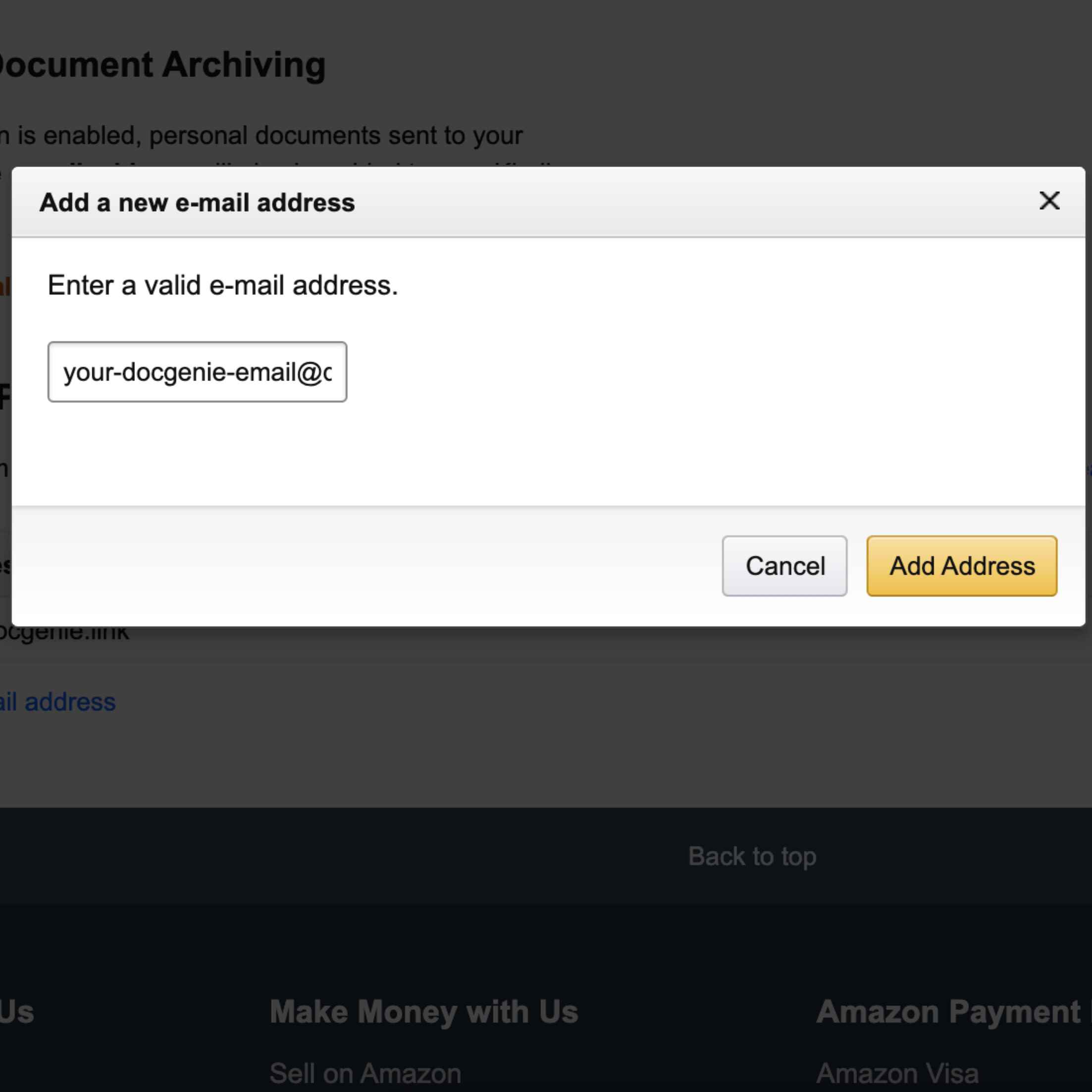
Yes. Add your Doc Genie email address to Amazon's approved senders list so synced documents can reach your Kindle Scribe.
Can I manage multiple sync schedules?
Doc Genie lets you create separate sync rules for different folders or providers, keeping each workflow organised.
Is Cloud Sync available on the Free Plan?
Cloud Sync is included with Doc Genie Pro for unlimited schedules and priority delivery. Upgrade when you're ready to automate your device.
What if I don't see the answer to my question?
If you don't see the answer to your question, please email us at [email protected] and we'll get back to you as soon as possible.