
Connect Doc Genie with Kindle Scribe | Doc Genie
Kindle Connection
Connect Doc Genie with Kindle Scribe to send documents to your device.
1
Kindle login email address
Go to Amazon account settings and open "Personal Document Settings". In the "Send-to-Kindle E-Mail Settings" section you'll find your Kindle email address.
2
Add Doc Genie email to your Amazon account
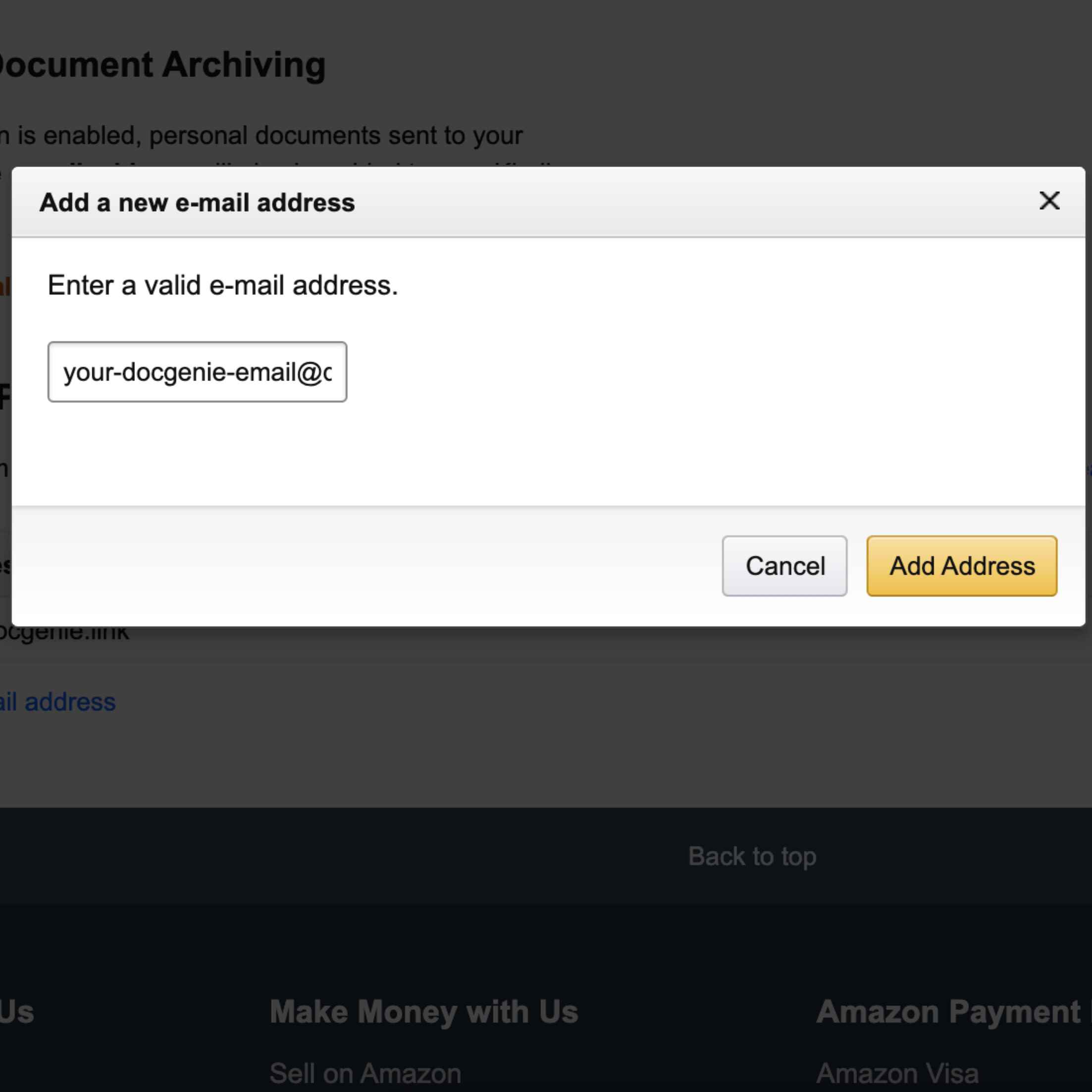
Open Amazon account settings , click "Personal Document Settings", and scroll down to "Approved Personal Document E-mail List" section.
Add your Doc Genie email to the approved email list.
3
Verify Doc Genie email is approved
Send a verification code to your Kindle.
Open the Kindle document and find the 6-digit code.
Enter the code below to verify your Doc Genie email.
The code is valid for 6 hours. You can resend after 10 minutes.